Why Did My Processing Fees Go Up? How to Read the Line Items That Change
When your processing bill rises, the cause is usually one of a handful of line items. Here is how to find which one moved and what to do about it.
Start with the effective rate
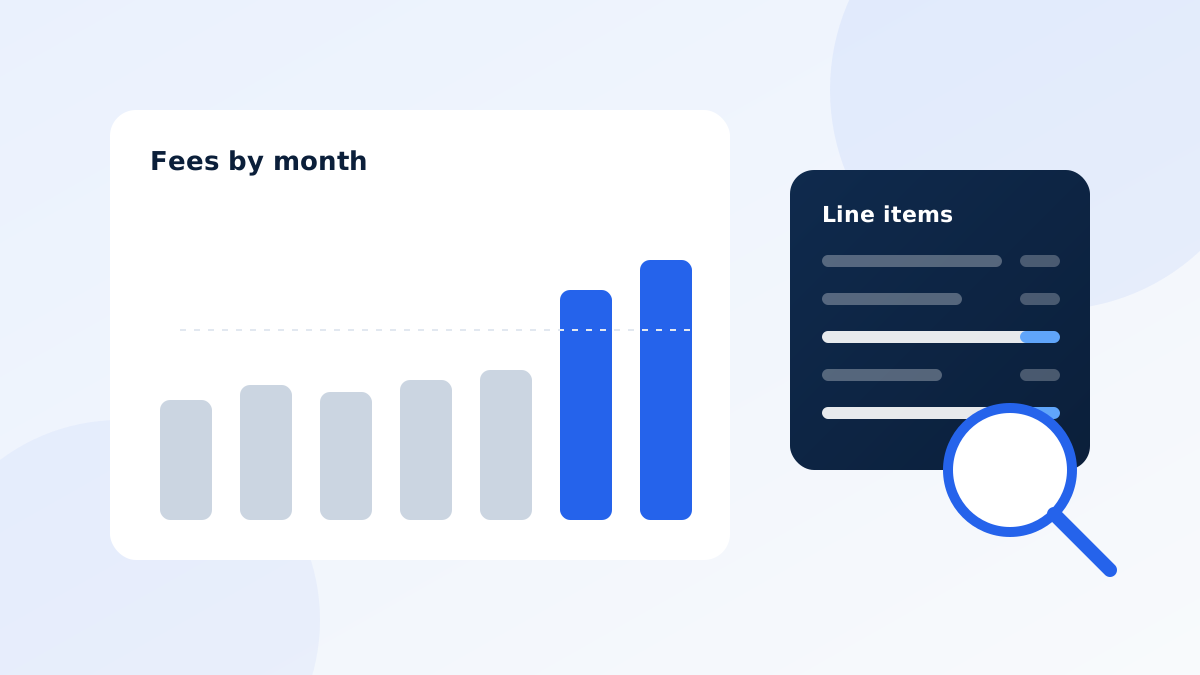
A bigger bill can simply mean you processed more. To check, compare your effective rate for this month against last month and the same month last year. If the rate is flat, your costs rose because your volume did. If the rate rose, something changed.
The line items that can change
| Line item | Why it can change | Who controls it | |-----------|-------------------|-----------------| | Interchange | Card mix (more rewards or business cards), more keyed or online sales, larger or smaller tickets, late settlement, or missing data on a transaction. | Card networks and issuers, partly influenced by how you accept cards | | Assessments and network fees | Card brands update their schedules, commonly in April and October. | Card brands | | Processor markup | A promotional rate ended, or your agreement allows a rate change with notice. | Your processor | | Monthly, statement, and gateway fees | New or increased fixed fees. | Your processor | | PCI fees | A non-compliance fee was added because validation lapsed. See PCI non-compliance fees. | Your processor, until you validate | | Chargeback and retrieval fees | More disputes in the period. | Mixed | | Equipment, software, and add-ons | New leases, subscriptions, or services. | Your processor or provider |
A five-minute diagnosis
- Compare two statements side by side. Look at the same lines for this month and last.
- Check volume and average ticket. Both affect cost per transaction.
- Check the share of keyed and online sales. These usually carry higher interchange than card-present sales.
- Look for new lines. Any fee that did not appear before should be explained.
- Check the date. A jump in April or October may be a card brand schedule update.
- Check your agreement for notices. Processors often must notify you before changing fees. Look through old emails and statement messages.
What you can do
- Improve how you accept cards. Include address and postal code data on keyed and online sales when possible, and settle batches promptly.
- Ask your processor to explain any new line in writing.
- Get a second opinion. Compare your markup and fixed fees against an offer based on your own statement.
Get a clear answer
A free statement review from ONKORE walks through each line and shows what is a pass-through cost and what is processor markup. See also understanding your merchant statement.