
Kitchen Display Systems (KDS)
Explore kitchen display systems that organize incoming dine-in, takeout, kiosk and online orders. Depending on the POS integration, a KDS can support station routing, preparation status, item modifiers, expediting and kitchen performance visibility.
View hardware options & compatibility
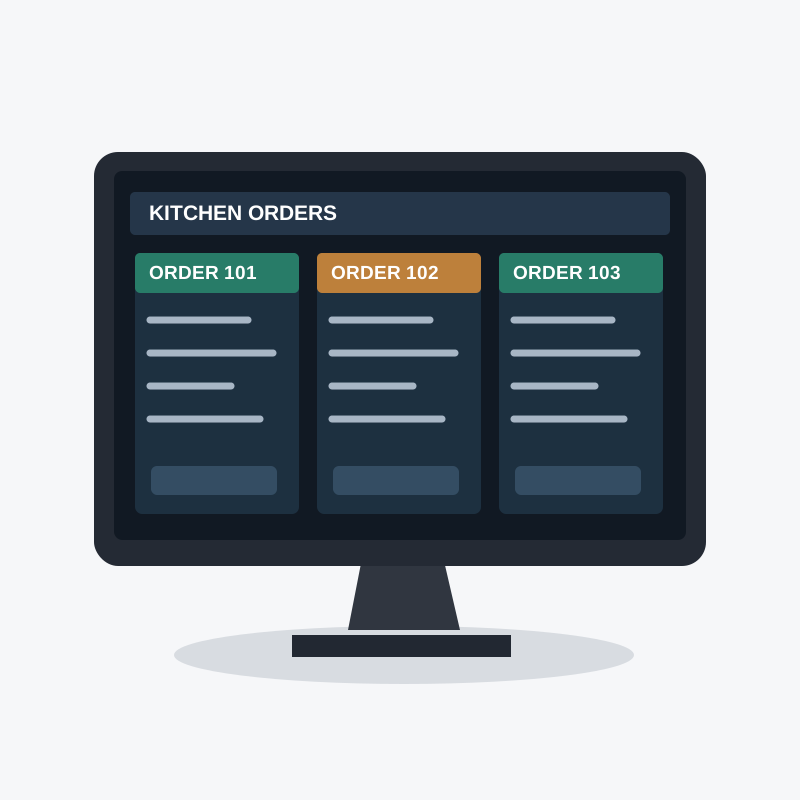 Hardware imagery is illustrative; confirm model availability and compatibility before ordering.
Features
Clear Digital Tickets
Show incoming orders, modifiers and special requests on kitchen screens.
Station-Based Preparation
Supported platforms route items to preparation stations and expeditor views.
Preparation Status
Track orders through preparation and completion when enabled by the software.
Kitchen Visibility
Some KDS platforms provide timing and throughput information for managers.
Connected Order Channels
Consolidate supported POS, kiosk and online orders into kitchen workflows.
Integration First
ONKORE helps confirm that selected KDS hardware and software work with your restaurant POS.
Capabilities & Compatibility
These are solution considerations, not specifications guaranteed for every device. Available features depend on the selected hardware, software and processing configuration.
- Display
- Kitchen-rated touchscreen or monitor options vary
- Order sources
- POS, kiosk and online orders where integrated
- Station routing
- Prep stations and expediter views depend on software
- Ticket details
- Items, modifiers and special instructions where supported
- Status
- In-progress and completed order tracking where supported
- Metrics
- Preparation timing and throughput reporting vary by platform
- Integration
- Requires supported POS software and kitchen network
Hardware Compatibility
Hardware Compatibility
Available models, payment methods, connectivity and software integrations vary. Contact ONKORE to verify the right configuration before ordering.
FAQ
FAQ
Want to see the Kitchen Display Systems (KDS) in action?
Request a free demo and we'll show you how it works for your business.