
Scan. Pay. Keep Moving.
Connect customers to supported checkout, invoices, donations or ordering with a QR code.
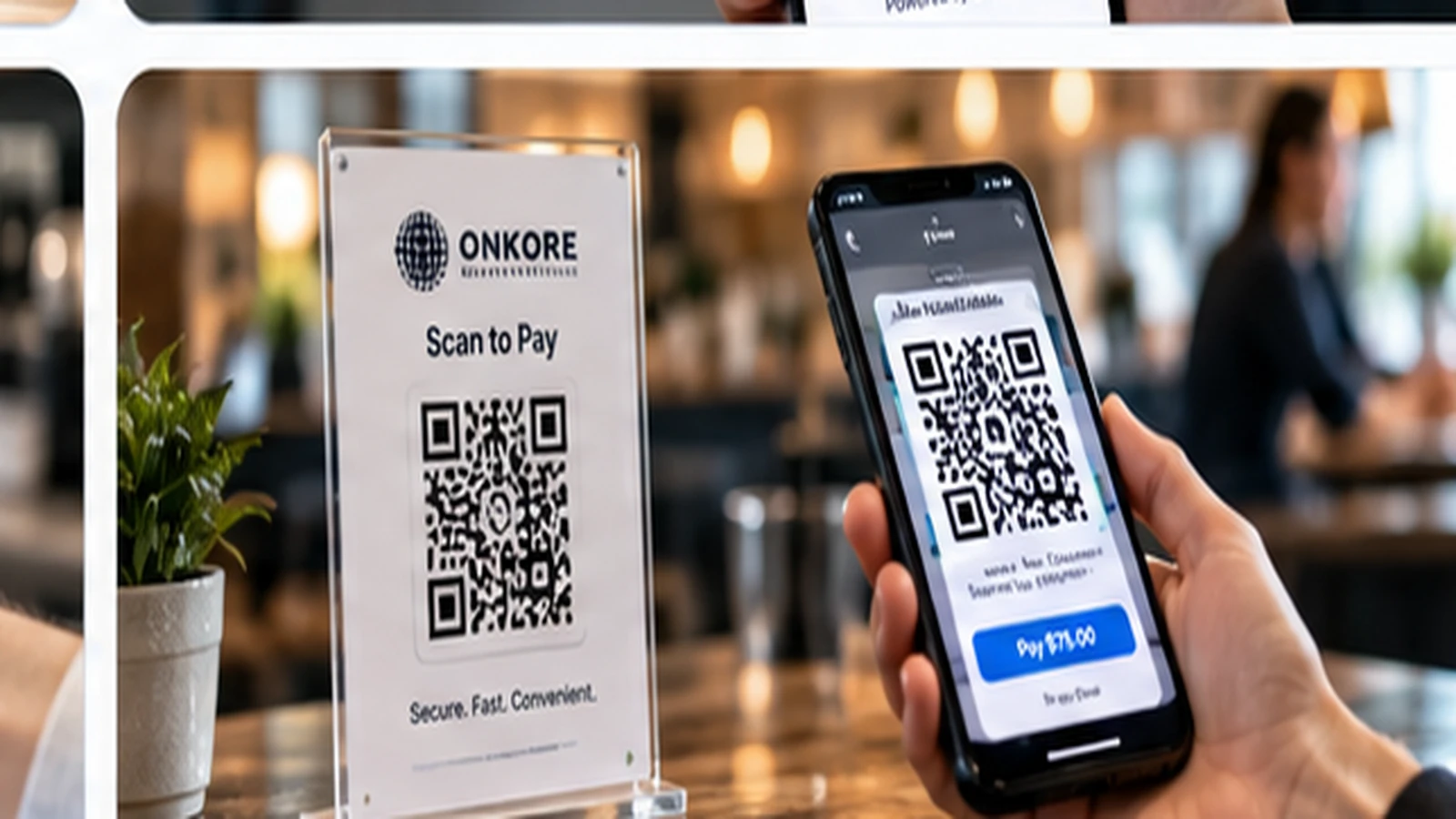
Key Benefits
Everything you need to know about qr payments.
Contactless
Customers scan and pay with their phone. No physical contact or shared hardware required.
Easy Setup
Generate QR codes in seconds. No website or app required — just display and collect payments.
Fast Checkout
Customers scan, confirm, and pay in seconds, reducing lines and improving throughput.
Secure Payments
QR payments route to a PCI-compliant tokenized checkout. Card data is never exposed.
Powerful Features
Comprehensive tools designed for your business.
Static QR Codes
Generate fixed-amount or account-level QR codes for recurring displays, registers, or printed materials.
Dynamic QR Codes
Create per-transaction QR codes with dynamic amounts for invoices, orders, and one-time payments.
Mobile Checkout
Customers scan, review, and pay from their phone browser — no app download required.
Invoice QR Codes
Add QR codes to invoices so customers can scan and pay instantly with any card or wallet.
Restaurant Ordering
Let diners scan to view a menu, order, and pay from their table — no app or waiter needed.
Donation & Event QR
Collect donations or event ticket payments with QR codes displayed on materials or screens.
How It Works
Get started in three simple steps.
Generate Your QR Code
Create a static or dynamic QR code in your ONKORE dashboard with a fixed or variable amount.
Display It
Show the QR code on a screen, print it on a receipt or table tent, or attach it to an invoice.
Customer Scans & Pays
Customers scan with their phone, confirm the amount, and pay with card or wallet. You're notified instantly.
Supported Industries
Supported Industries
Trusted by businesses across these sectors.
Frequently Asked Questions
Frequently Asked Questions
What's the difference between static and dynamic QR codes?
Static QR codes point to a fixed destination — ideal for a register or recurring display. Dynamic QR codes are generated per transaction with a specific amount, ideal for invoices, orders, and one-time payments.
Do customers need an app to pay?
No. Customers scan the QR code with their phone's camera, which opens a secure checkout page in their browser. They can pay with any major card or digital wallet where supported.
Can I use QR codes for restaurant ordering?
Yes. Generate table-specific QR codes so diners can view a menu, place an order, and pay from their phone. This can reduce wait times and staff workload.
Are QR payments secure?
Yes. QR payments route to a PCI-compliant, tokenized checkout page. Card data is never exposed to your business, and each payment requires customer confirmation.
Related Products
Related Products
Payment Links
Create and share payment links through supported platforms by email, text, social media, or QR code....
Learn moreMobile Payments
Accept payments on the go using compatible mobile readers, Tap to Pay, or mobile POS options where s...
Learn morePayment Gateway
ONKORE helps businesses select and configure compatible payment gateways for online payments, hosted...
Learn moreReady to get started with QR Payments?
Review your payment methods, costs, and technology needs with ONKORE. No obligation; final services and terms depend on your approved setup.
- No-obligation review
- Compatibility assessment
- Switching guidance
Ready to submit your business details? Start the merchant application