What Is Tap to Pay?
Tap to Pay is a broad merchant-facing term for contactless payment experiences. It can mean tapping a contactless card or wallet on a compatible terminal, or accepting contactless payments on certain supported devices. Availability varies by hardware, OS, app, provider, and region.
Direct Answer
Tap to Pay is a broad merchant-facing term for contactless payment experiences. It can mean tapping a contactless card or wallet on a compatible terminal, or accepting contactless payments on certain supported devices. Availability varies by hardware, OS, app, provider, and region.
Direct Answer
"Tap to Pay" is a broad, merchant-facing term for contactless payment experiences. It commonly means a customer taps a contactless card or mobile wallet (such as Apple Pay or Google Pay) against a compatible terminal to pay. On some supported devices it can also mean accepting those contactless payments directly on a phone, without a separate card reader. Availability varies by hardware, operating system, payment application, provider, and region.
How It Works
Tap to Pay uses NFC to let a contactless card or device communicate with a reader. The customer taps or holds their card or phone near the reader; the terminal transmits tokenized payment data for authorization; and the transaction completes in seconds. Two forms are common:
- Contactless terminal payments — a contactless card or wallet is tapped against a compatible terminal reader.
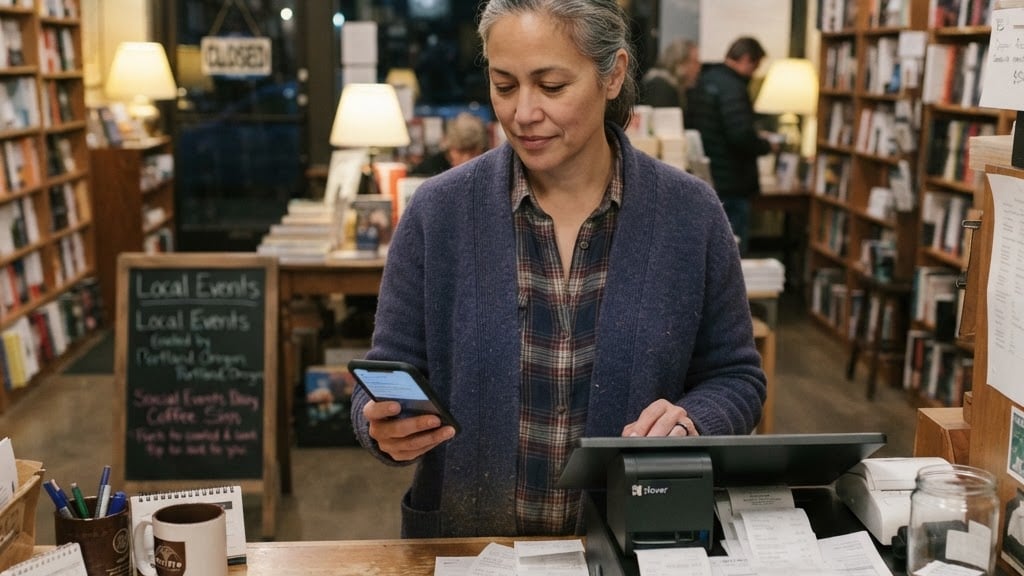
- Tap to Pay on compatible devices — certain supported phones may accept contactless payments without a traditional separate reader, depending on hardware, operating system, payment application, provider, geography, and eligibility.
Key Points
- Tap to Pay is the payment experience; NFC is the technology behind it.
- It works with contactless cards and mobile wallets.
- Phone-based Tap to Pay is not universally available — it depends on device, OS, app, provider, and region.
- Transactions are typically tokenized for security.
What Merchants Should Know
Tap to Pay can speed up checkout and is increasingly expected by customers. Confirm which contactless options your hardware or platform supports, since device-based acceptance is not universal across all devices and providers. Branded "Tap to Pay" implementations may have specific provider requirements.